Access your Profile Settings
This article explains how to access your Personal Settings to manage authentication, access tokens, and notifications.
To update your personal profile, you can click on the User Icon on the upper right hand corner and select Personal Settings from the drop down menu.
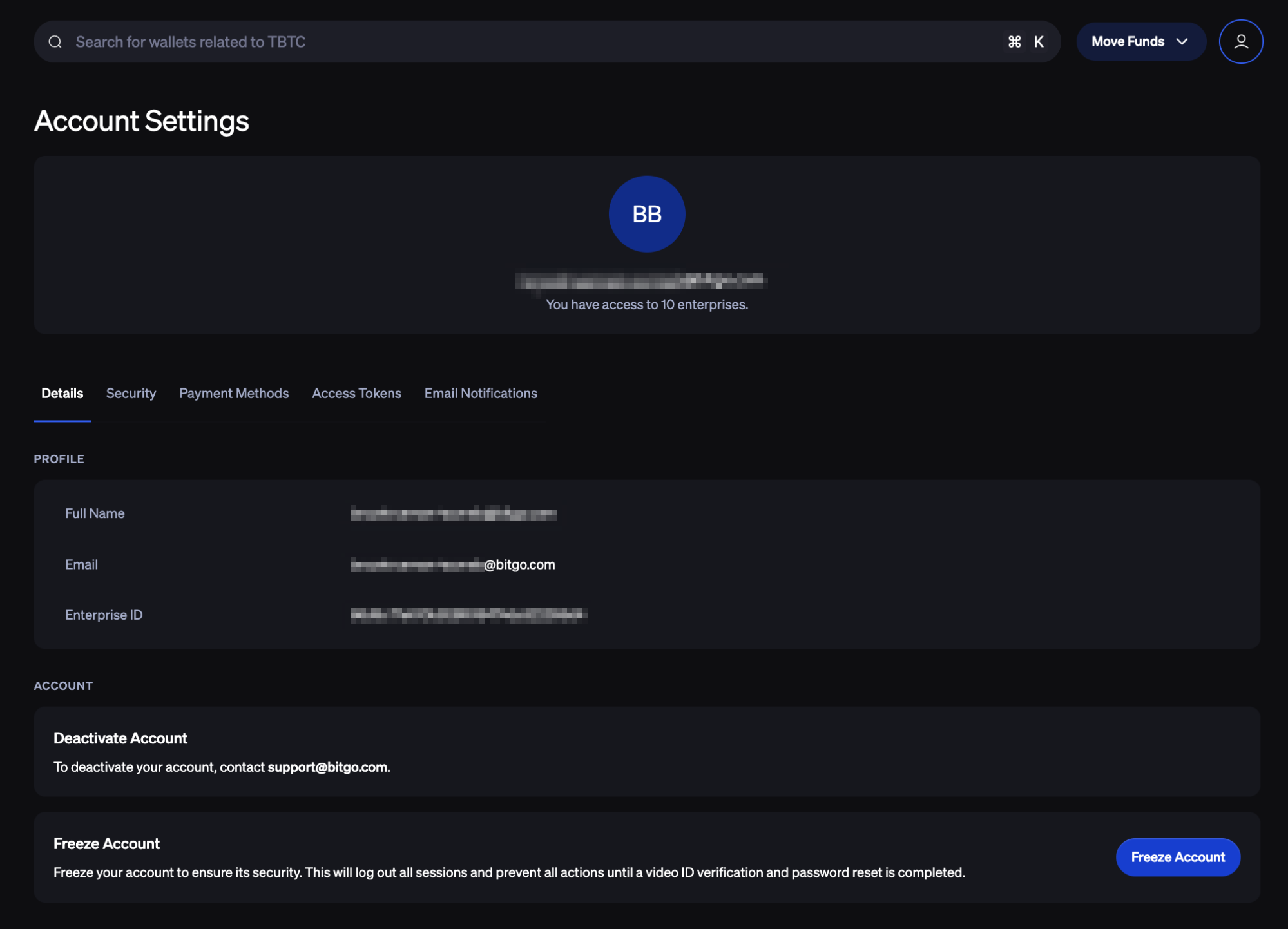
From this page, you can:
Freeze your account
Manage Authentication — update your account password, two-factor authentication (2FA), and 2FA recovery codes
Create Access Tokens
Manage Email Notification preferences
Was this article helpful?
That’s Great!
Thank you for your feedback
Sorry! We couldn't be helpful
Thank you for your feedback
Feedback sent
We appreciate your effort and will try to fix the article