Creating Reports Overview
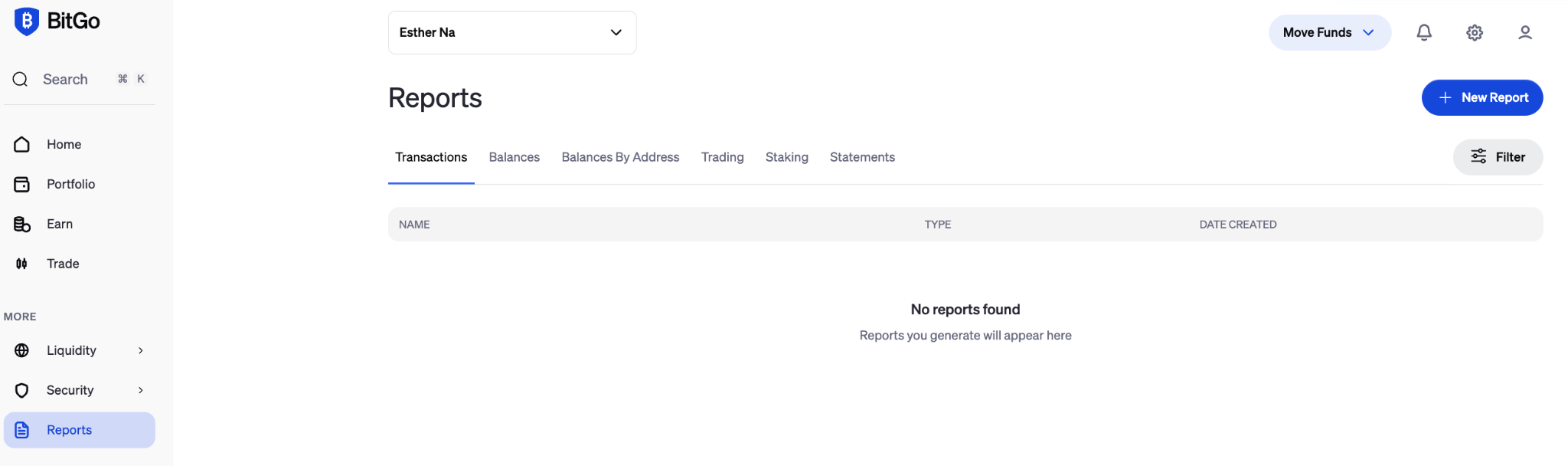
Reports allow you to monitor and audit your account activity, balances, and transaction history in one place. You can generate reports in CSV format for full data flexibility, or as a PDF for a clean, ready-to-share snapshot — though PDF export is not supported for all report types.
Note: Daily balances report include information on block height and a point in time "snapshot" flag
Report Types
The following report types are currently available:
Transactions
General Transactions
Transaction Detail by Address
Transaction Details
Balances
Holdings
Holdings by Address
Trading
Orders
Trades
Staking
Staked Transactions
Staking Over Time
Policies
Active Policies
Full Version History
User Access
Members
Roles
Was this article helpful?
That’s Great!
Thank you for your feedback
Sorry! We couldn't be helpful
Thank you for your feedback
Feedback sent
We appreciate your effort and will try to fix the article