Link Your External Kraken Exchange Account
This guide covers how to create an API keys on the Kraken exchange to Link your account to BitGo.
Before you start
You'll create the API key on Kraken's API settings page, then enter the credentials into BitGo.
1. Create the API key on Kraken
On Kraken's API settings page, click Create API Key and configure it as follows:
Description: Link Key
Permissions: Read access is sufficient to connect your account and view balances and positions. To enable transfers and withdrawals through BitGo, you will also need write permission.
After creating the key, Kraken will display your API Key and Secret Key.
2. Link your account on BitGo
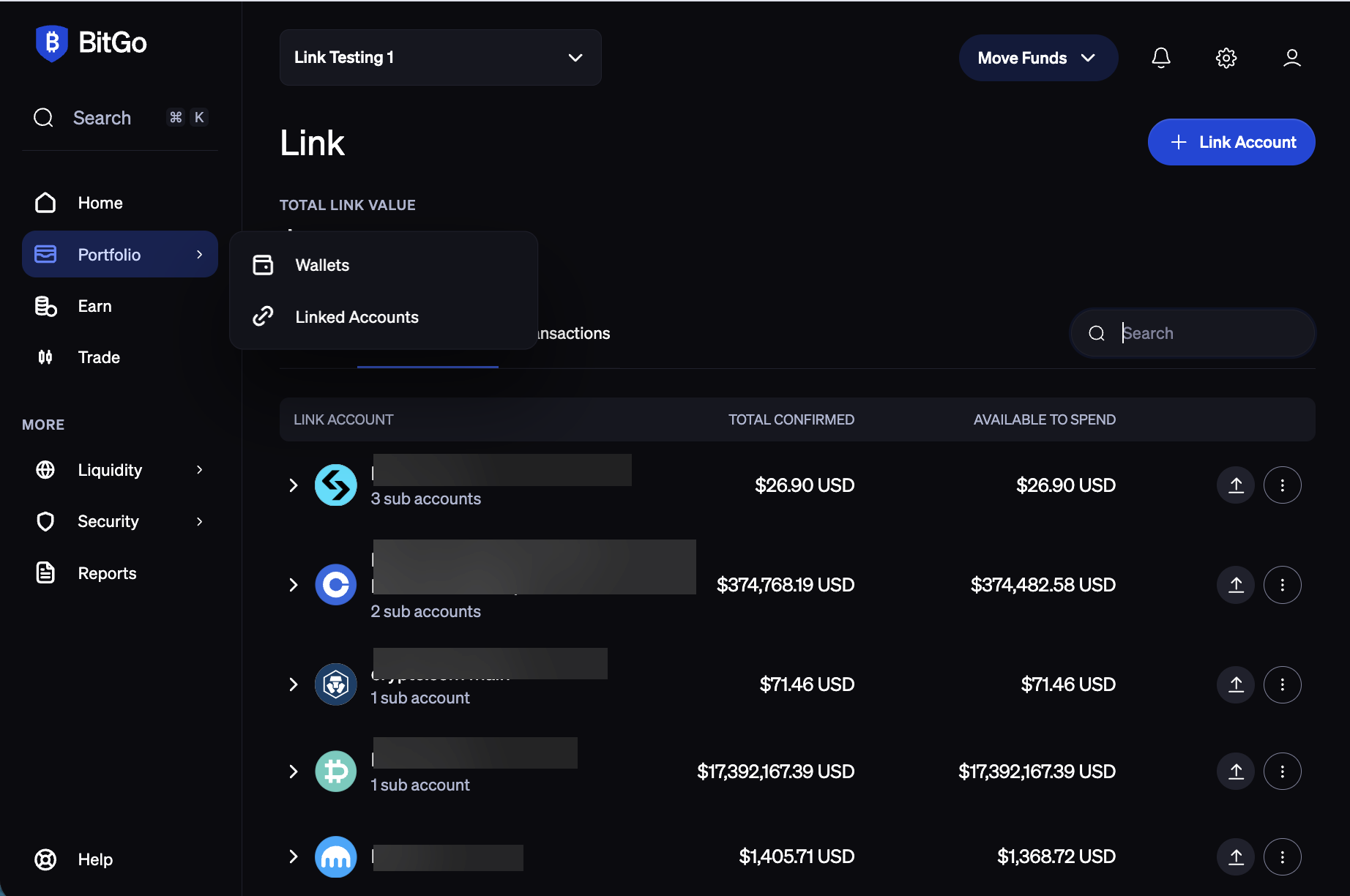
Navigate to the Portfolio tab in BitGo and click + Link Account in the top-right corner.
Select Kraken Spot.
Enter your API Key and Secret Key, then click Connect Account.
Was this article helpful?
That’s Great!
Thank you for your feedback
Sorry! We couldn't be helpful
Thank you for your feedback
Feedback sent
We appreciate your effort and will try to fix the article