Link Your External Bitget Exchange Account
This guide covers how to create an API keys on the Bitget exchange to Link your account to BitGo.
Before you start
Make sure you're on your main Bitget account.
You'll create the API key in Bitget's API Management page, then enter the credentials into BitGo.
1. Create the API key on Bitget
In API Management, click Create API Key and select System-generated API Key. Configure the key as follows:
Passphrase: choose your own.
The passphrase is required to modify the API key later. Keep it safe — if you lose it, you'll need to create a new API key.
Permissions: Set the appropriate permissions for your use case:
Futures: Orders & Holdings
Spot: Trade
Margin: Trade
Taxation: Search
Sub-accounts: Manage
Wallet: Transfer
Read-only access is sufficient to connect your account and view balances and positions. To enable transfers and withdrawals through BitGo, you will also need write permission on the relevant permission types.
Bind IP Permissions (optional) — allowlist these addresses:
- 54.201.131.213
- 52.39.41.139
- 52.43.255.93
- 35.164.184.184
- 54.214.57.139
- 18.220.107.76
- 18.222.87.170
- 3.137.109.219
- 18.156.154.77
- 52.59.4.20
Click Next, then enter your 2FA and click Confirm. Bitget will display your API Key, Secret Key, and Passphrase.
2. Link your account on BitGo
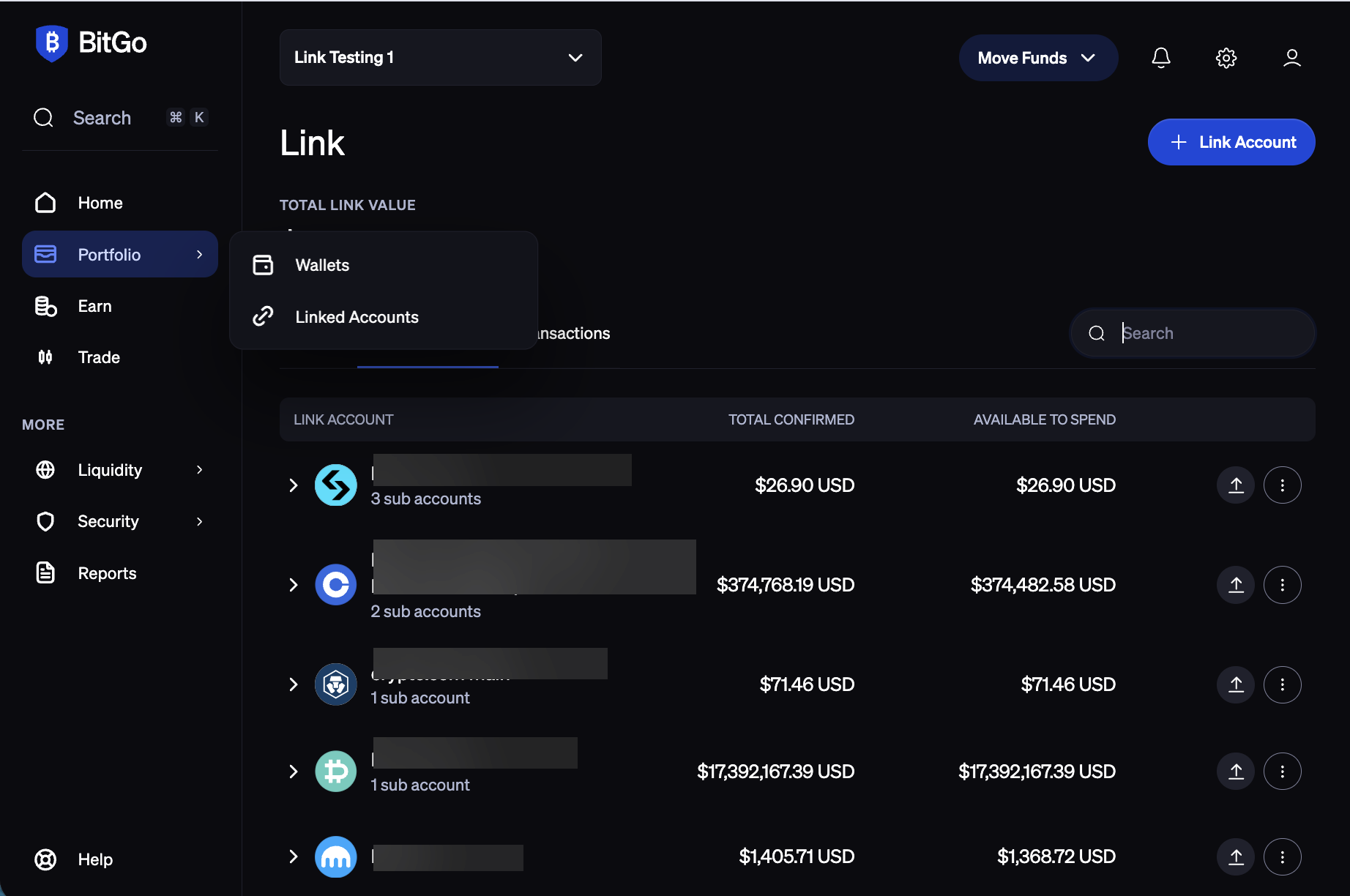
Navigate to the Portfolio tab in BitGo and click + Link Account in the top-right corner.
Select Bitget.
Enter your API Key, Secret Key, and Passphrase, then click Connect Account.
Was this article helpful?
That’s Great!
Thank you for your feedback
Sorry! We couldn't be helpful
Thank you for your feedback
Feedback sent
We appreciate your effort and will try to fix the article